

Checkouts
Create checkouts and capture payments with Sezzle.
Integrations
Checkout in an iframe, pop-up window, or redirect to Sezzle.
Payments
Handle payment success, failure, or cancel with your Sezzle orders.
Sezzle Button
Render the Sezzle checkout button on your store.
Include SDK code
Include the following script in the<head> section of the page.
Checkout Configuration
The first requirement to get started with the direct JavaScript SDK is to configure a new Checkout object.Configuration Options
- Template
- Example
- Options
Payment Option
This section covers how to present Sezzle as a payment method at checkout. Depending on your webpage’s design, you might wish to display Sezzle as an alternative payment method (APM) button, a radio option in a list of payment methods, and/or as an alternative submission button. Below are some examples of how to implement the front-end component.If you wish to use a different design from the options displayed below, please refer to our Co-Branded Guidelines for Approved Messaging and Sezzle logo acceptable use.
Sezzle in Payment Methods Table
Below is an example of Sezzle as a payment method radio.- Image
- Example Snippet
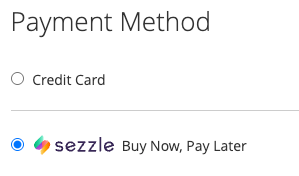
Sezzle Button
The button option is available as a component of this SDK library. It is comprised of two parts: the configurable element plcaeholder and the render function.Sezzle Button Configuration
Place the element snippet from the Template tab where you wish the Sezzle Button to be rendered on the page, then update the Options attributes as needed.- Image
- Template
- Example
- Options
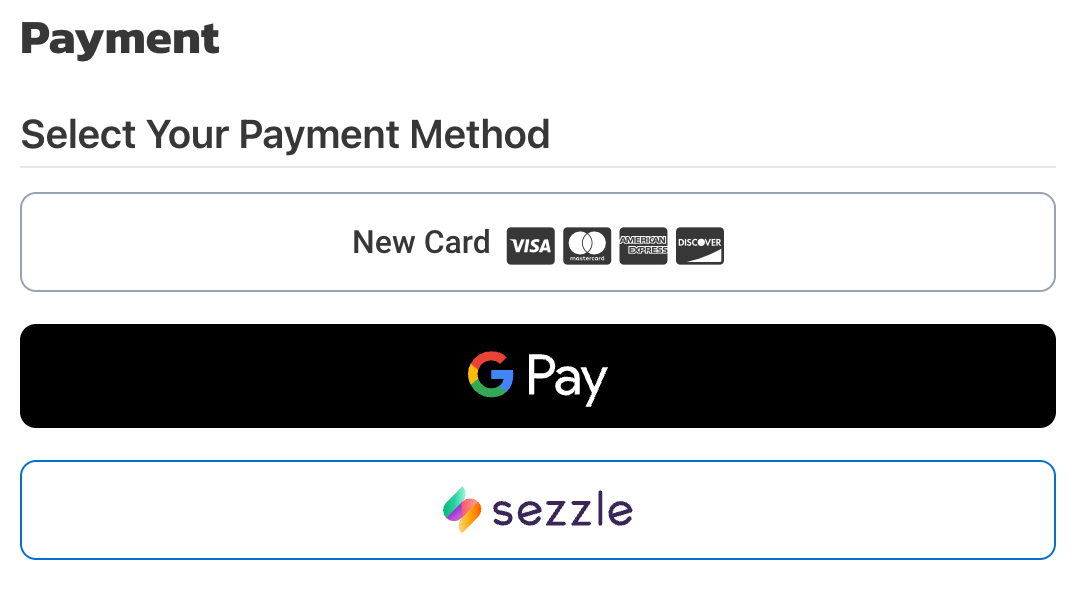
Sezzle as a button alongside other APMs
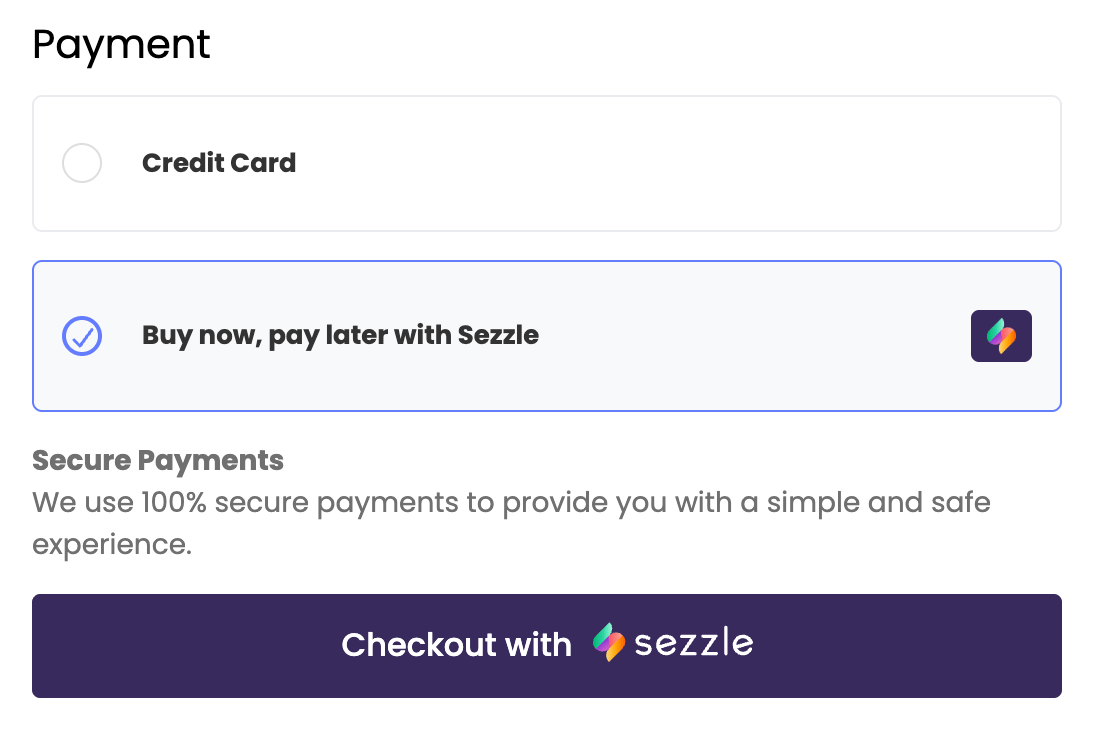
Sezzle as a Submit button as alternative to default button
Render the Sezzle Button
Add the following function to render the button when it is appropriate, such as when payment methods section loads, or when Sezzle is selected as a payment method. The parameter corresponds to the element created in the previous step.Initialize the Checkout
Event Handlers
The SDK uses these event handlers to tell your site what’s happening in the checkout. Implement each one to react to shopper actions like completing, cancelling, or running into an error.- Template
- Example
- Options
Checkout Initialization
- Template
- Example
- Options
Alternatively, start checkout by URL:
startCheckout method should be implemented in the checkout onClick handler. There are two ways to start checkout:
- With a checkout payload — pass the full session object inline (shown above). The cancel and complete URLs are optional for
iframeandpopupmode. - With an existing checkout URL — call
startCheckout({ checkout_url }). The SDKmodemust match thecheckout_modeyou used when creating the session. Foriframeandpopup, include the parent window’soriginin the cancel and complete URLs.
Customer Tokenization: the customer UUID isn’t delivered through
onComplete. To receive it, subscribe to the customer.tokenized webhook event.Checkout completed by Payload
Checkout completed by URL
Capture Payment
Skip this step if you used
CAPTURE intent when starting the checkout — Sezzle captures the order automatically.- Template
- Example
- Options
Installment Plan
- Template
- Example
- Options
checkout without any configuration can also be used to quickly get installment details.