

Prerequisites
- Android 6.0+ (API 23), compileSdk 35+
- Kotlin or Java
- A Sezzle merchant account with your Public API Key
- A backend server to capture payments after checkout
1. Installation
- Gradle (Kotlin DSL)
- Gradle (Groovy)
Add to your app module’s
build.gradle.kts:2. Configuration
Initialize the SDK once at app startup in yourApplication class:
3. Promotional Messaging
Add aSezzlePromotionalView to your product screen to display installment pricing:

Promotional widgets at different price points
All Parameters
Widget Configuration
All config parameters are optional — the widget works out of the box with sensible defaults:
To customize, pass only the values you want to override:
Custom Promotional Text
If you need full control over the UI, useSezzlePromoDataHandler to get a styled SpannableString with the Sezzle logo inline:
4. Checkout
Build the Checkout Object
Customer Fields
Order Fields
Address Fields (SezzleAddress)
Start Checkout
The
activity parameter must be a ComponentActivity (e.g., AppCompatActivity). The SDK uses the Activity Result API internally.Handle the Result
ImplementSezzleCheckoutListener:
After
onCheckoutComplete, send result.orderUUID to your backend server. Your server should call POST /v2/order/{orderUUID}/capture using your private API key to capture the payment. See the Orders API for details.5. WebView Mode
By default, checkout opens in Chrome Custom Tabs — a secure browser tab that runs in its own process and shares cookies with Chrome (faster login for returning Sezzle users). To keep the user inside your app, use WebView mode:Lifecycle-safe variant (recommended for WebView)
If your host activity can be destroyed and recreated while checkout is on screen — e.g. under Android’s “Don’t keep activities” developer option, under aggressive background-process limits, or under genuine memory pressure on low-RAM devices — prefer thestartCheckoutForResult overload introduced in 1.2.4. It delivers the result through Android’s Activity Result API, which Android re-attaches on activity recreation, so the callback reliably reaches whichever instance is alive when checkout finishes. The listener-based path above stores your callback in a static field; if your activity is recreated mid-checkout, that callback may target a destroyed instance and the result can be lost.
Register the launcher as a field on your activity (Android requires registerForActivityResult to be called before the activity reaches STARTED):
WEB_VIEW mode. For SYSTEM_BROWSER (Chrome Custom Tabs) checkout, continue using the listener-based startCheckout — the Custom Tabs flow has a different recreation profile and doesn’t have the same lifecycle hazard.
- System Browser (Default)
- WebView
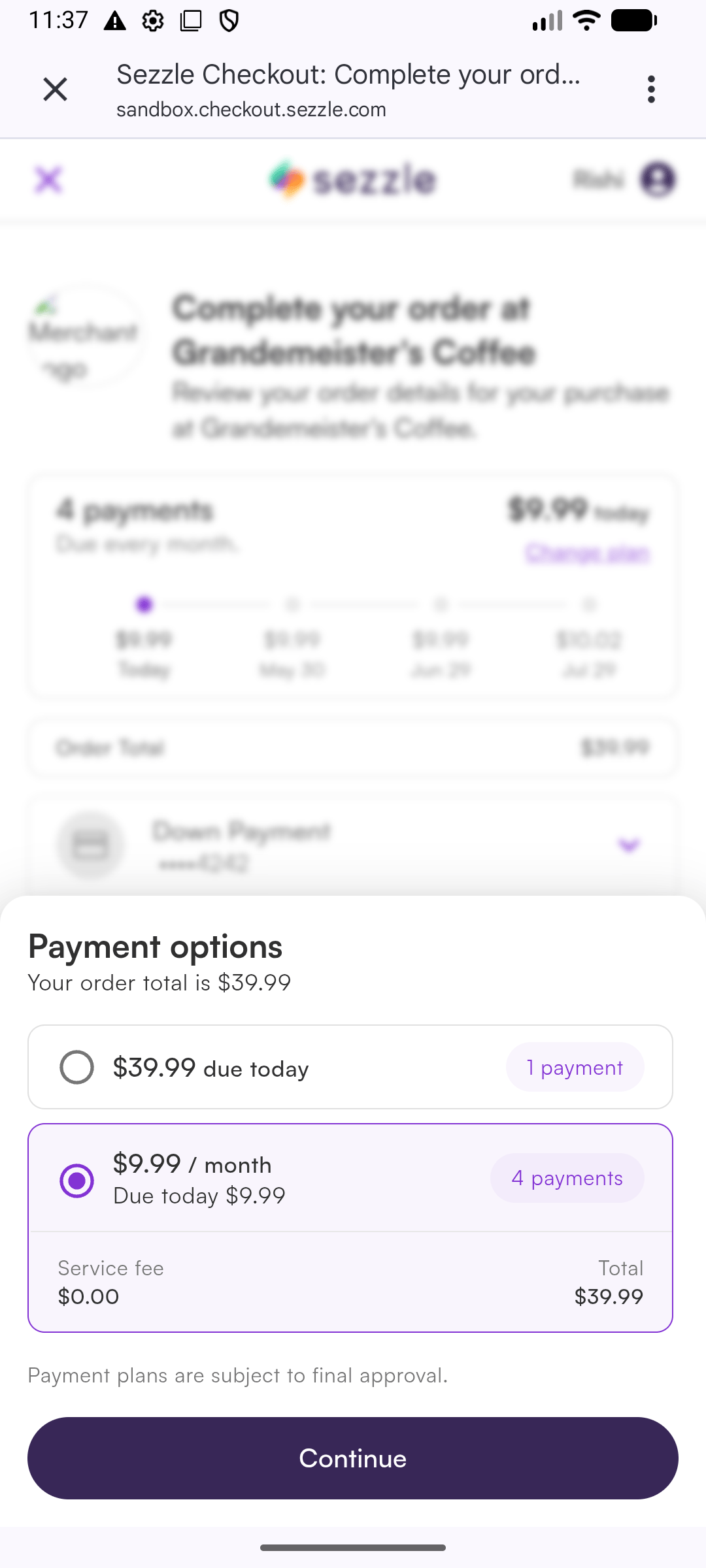
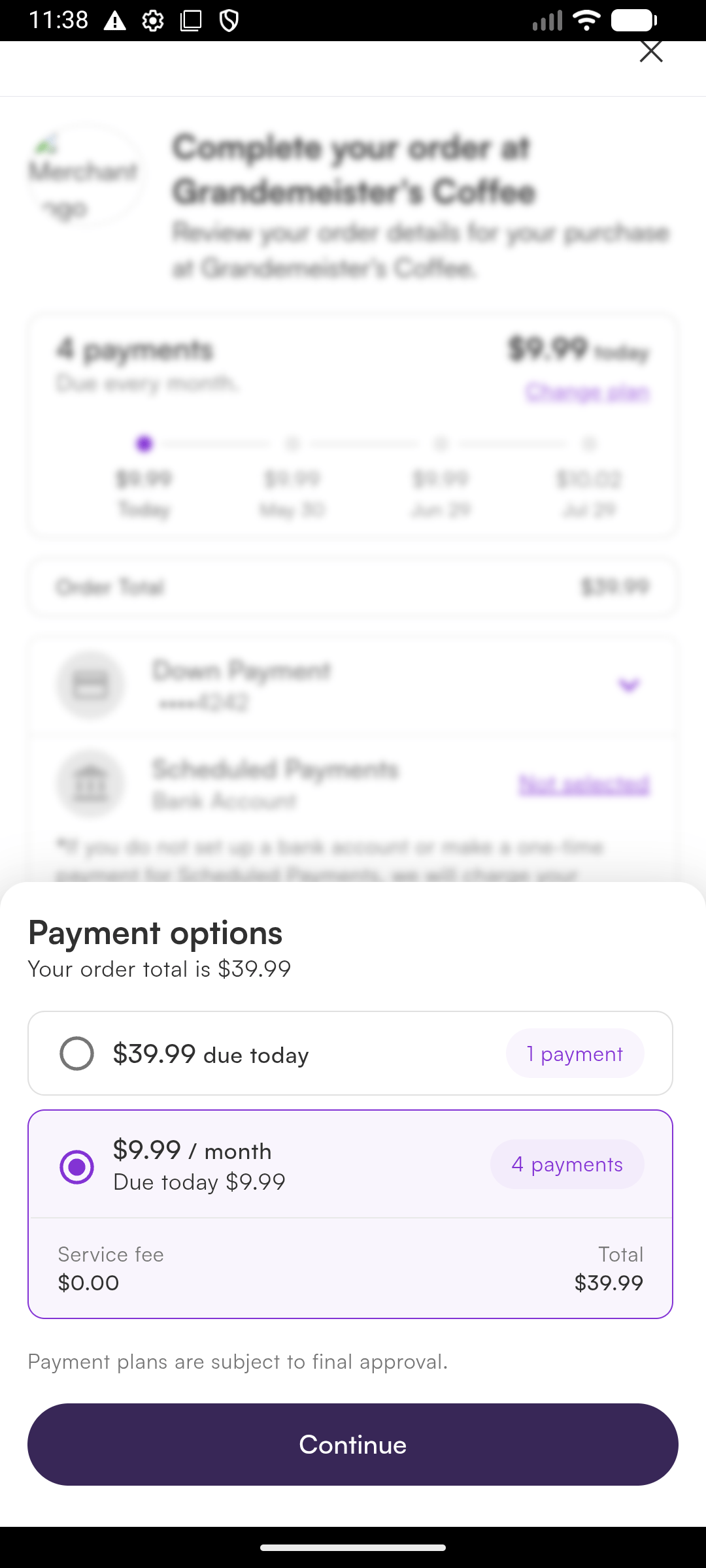
Multi-user devices — clearing Sezzle session on logout
Android’sCookieManager is an app-wide persistent singleton. Cookies set during one user’s WEB_VIEW checkout (auth tokens, session identifiers) persist across users on the same device — so if your app supports multiple users (e.g. a logout/login flow on a shared device), the next user’s first BNPL attempt can resume the previous user’s Sezzle session and surface their state (credit-limit decline, etc.) to the wrong customer.
Starting in 1.2.5, call SezzleSDK.clearWebViewData() from your logout flow to clear Sezzle’s cookies and Web storage before the next user signs in:
CookieManager.acceptCookie() setting (privacy/GDPR/DNT modes are not silently flipped).
SYSTEM_BROWSER mode shares cookies with Chrome and is unaffected — if your users need to clear those, they should clear them in Chrome itself.
6. Dark Mode
The SDK automatically adapts to the device’s appearance setting. The promotional widget, installment modal, and checkout modal all support dark mode.- Light
- Dark

7. Error Handling
All errors are delivered viaSezzleCheckoutListener.onCheckoutError(error):
8. Server-Driven Integration
For larger merchants who prefer a fully server-driven integration — no public key on-device, with the backend owning session creation, capture, and refunds — use the alternativestartCheckout overload introduced in 1.2.0.
How it works
Your backend creates the checkout session viaPOST /v2/session with merchant-chosen callback URLs, then hands order.checkout_url plus those URLs to the app. The SDK opens the URL, intercepts navigation to your callback URLs, and reports back via SezzleCheckoutListener.onCheckoutComplete(result) with the full callback URL — so you can encode your own state in the query string and recover it on completion.
Step 1 — Backend creates the session
Pick any callback URLs you want — a custom scheme likeyourapp-sezzle://... or HTTPS deep links. You can encode state in the query string (e.g. yourapp-sezzle://done?orderRef=12345) and recover it from the SDK callback.
Persist order.uuid server-side; the app only needs order.checkout_url plus the two callback URLs.
Step 2 — App presents checkout
SezzleSDK.configure(...) is not required for this flow — there’s nothing for the SDK to authenticate.
Step 3 — Read the result
Manifest note for SYSTEM_BROWSER mode
SYSTEM_BROWSER mode opens checkout in Chrome Custom Tabs and routes the redirect back via the OS intent system. The SDK ships an intent-filter for sezzle-sdk://checkout only — if you use a custom callback scheme, register an intent-filter for your scheme in your own AndroidManifest.xml, pointing at SezzleRedirectActivity:
WEB_VIEW mode needs no manifest work — any scheme is intercepted by the WebView client directly.
Notes
- Match your URLs. Whatever your backend passed as
complete_url.href/cancel_url.href, pass the sameUritostartCheckout. The SDK matches on scheme + host + path; query params on the inbound URL are read by you. order.uuidlives on your server. It’s not in thecheckout_urland isn’t echoed back — your backend already has it from the session-creation response.